JDBC Datalist Binder Wrapper
Plugin · Datalist Binder
Plugin Overview JDBC Datalist Binder Wrapper plugin contains 2 derivatives based on JDBC Datalist Binder. The JDBC Datalist Binder is known as Database SQL Query in Joget DX 9. JdbcDataListBinderNoAlias - JDBC Datalist Database Binder No Wrapper JdbcDataListBinderWithoutCount - JDBC Datalist Database Binder Without Count For more information and a demo app regarding this plugin, please refer to the knowledge base here. Versioning 9.1.0 | Date Released: 7 October 2026
Datalist Binder Wrapper Plugin
Plugin · Datalist Binder
Plugin Overview The Datalist Binder Wrapper is a Joget DX plugin that lets you post-process the data returned by any existing List binder using a custom script without writing a brand-new binder plugin. It sits between the DataList and its real data source: you configure the actual binder (Form Data, Advanced Form Data, SQL Query, etc.) as normal, and the wrapper runs your script against the results before they're rendered. This plugin bundle is compatible with Joget DX 9 and onwards. More information and a demo app can be found in the Joget Knowledge Base. Versioning 8.0.2 | Date Released: 30 September 2026
Report Search Datalist Binder Plugin
Plugin · Datalist Binder
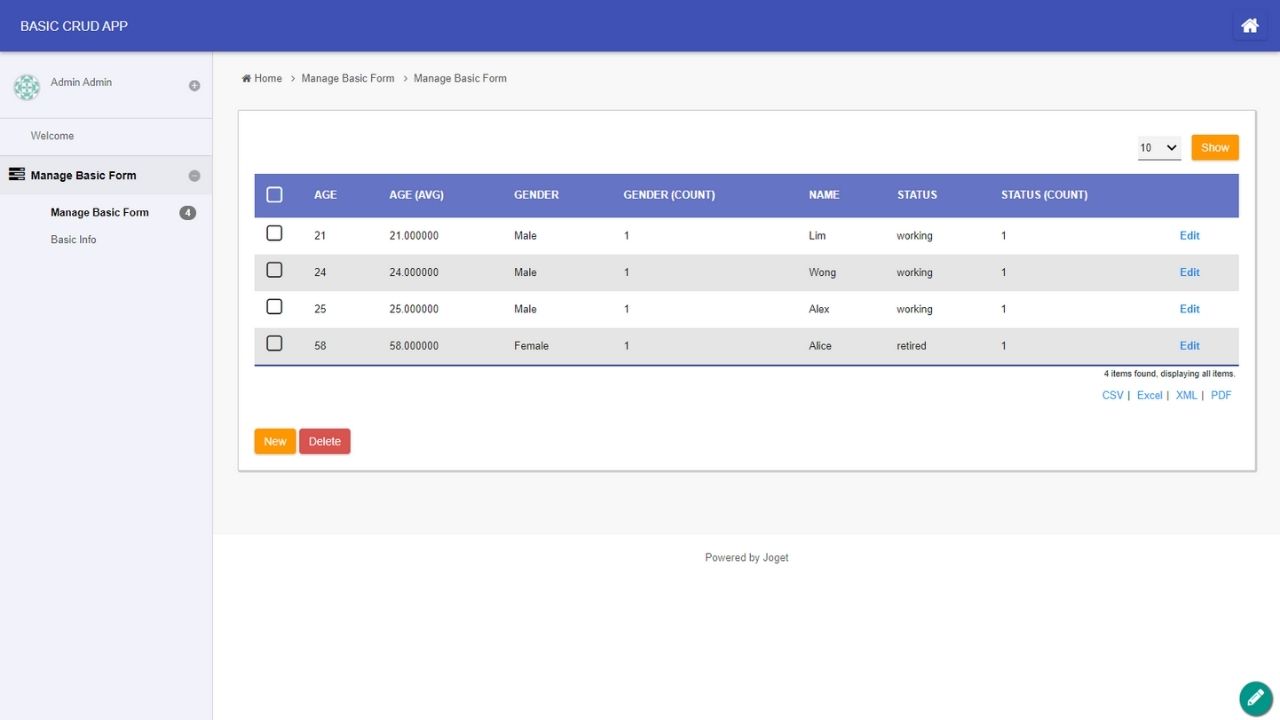
Plugin Overview Report Search Datalist Binder Plugin is a Datalist Binder that enables data aggregation and data pivoting on a raw data using SQL queries. Pivoting refers to the process of transforming rows into columns or, more generally, reorganizing data from a long format to a wide format. Aggregating involves performing a calculation on a set of values to return a single summary value. For more information regarding this plugin, please refer to the knowledge base here. Versioning 7.0.5 | Date Released: 15 March 2024 7.0.6 | Date Released: 12 June 2025
MongoDB Binder Plugin
Plugin · Datalist Binder
Plugin Overview The MongoDB Binders plugin facilitates the seamless integration of MongoDB and Joget. This integration currently utilizes few plugin types: Data List Filter - To filter the dataset to refine the result. Includes types for: Date, Date Range, Number, Options, Text Field. Datalist Binder - To populate datalist with data retrieve from MongoDB database. Form Load Binder - To retrieve form data from MongoDB database. Form Store Binder - To store form data to MongoDB database. Form Options Binder - To populate options field with data retrieve from MongoDB database. For more information regarding this plugin, please refer to the knowledge base here. Versioning 7.0.0 | Date Released: 30 August 2024

 Plugin
 Free
 By Joget, Inc.
 1K+ downloads