AI Expenses Claim App
App · AI Agents
AI Expenses Claim App is an automated expense reimbursement and compliance audit application that scans receipt images, extracts line-item totals, enforces category policy limits, and routes approval workflows on Joget DX 8 and Joget DX 9. Finance managers, corporate accountants, and HR expense administrators struggle to audit employee reimbursement requests when evaluating physical receipts and spreadsheet submissions. Manual expense processing leads to non-compliant claim submissions, unverified GST tax calculations, exceeded policy caps, and delayed manager approvals across business departments. Finance leaders lack unified visibility into monthly claim budgets, exception queues requiring manual review, and detailed receipt audit trails. Key Features Evaluates uploaded receipt files across four weighted compliance criteria comprising receipt quality, amount legitimacy, merchant credibility, and business purpose clarity. Extracts per-file line item details, item descriptions, quantities, and individual prices in SGD from multi-receipt image or PDF uploads. Validates tax consistency automatically by comparing entered GST amounts against extracted receipt tax line items. Routes submitted claims automatically through score-based workflow channels to auto-approve high-confidence claims, request resubmissions, hold items, or reject non-compliant requests. Enforces customizable category policy limits in SGD across airfare, ground transport, accommodation, overtime meals, internet reimbursements, office supplies, courier postage, and conference fees. Renders structured HTML compliance reports containing audit reasoning, overall scores out of 100, and itemized receipt breakdowns on manager review forms. Configures large language model (LLM) integrations inside the AI Agent Builder, supporting OpenAI, Anthropic, Google Gemini, IBM, and OpenRouter services for receipt vision analysis. Displays executive operations dashboards with KPI cards for monthly claimed totals, exception queues, approved claims, department distribution bar charts, and monthly budget trend graphs. Exports expense registers, AI compliance scores, and historical audit logs into CSV, Excel, XML, and PDF formats. Frequently Asked Questions How does AI Expenses Claim App evaluate uploaded receipts? AI Expenses Claim App connects to configured vision LLM services through the AI Agent Builder, analyzing uploaded PDF, JPG, or PNG receipt files across receipt quality, amount legitimacy, merchant credibility, and business purpose clarity to generate an overall compliance score from 0 to 100. Which large language model providers connect with AI Expenses Claim App? AI Expenses Claim App supports AI Agent Builder connections to OpenAI, Anthropic, Google Gemini, IBM, and OpenRouter, utilizing recommended models such as gpt-4.1 or claude-sonnet-4-20250514 for receipt vision analysis. Which Joget platform versions support AI Expenses Claim App? AI Expenses Claim App runs on Joget DX 8 and Joget DX 9, On-Premise and Cloud environments across Enterprise editions. Important Note: Please refer to the info page in the app to learn how to use the app. The app requires an LLM Key. For example, you can obtain one from OpenAI.
AI Maintenance Request App
App · AI Agents
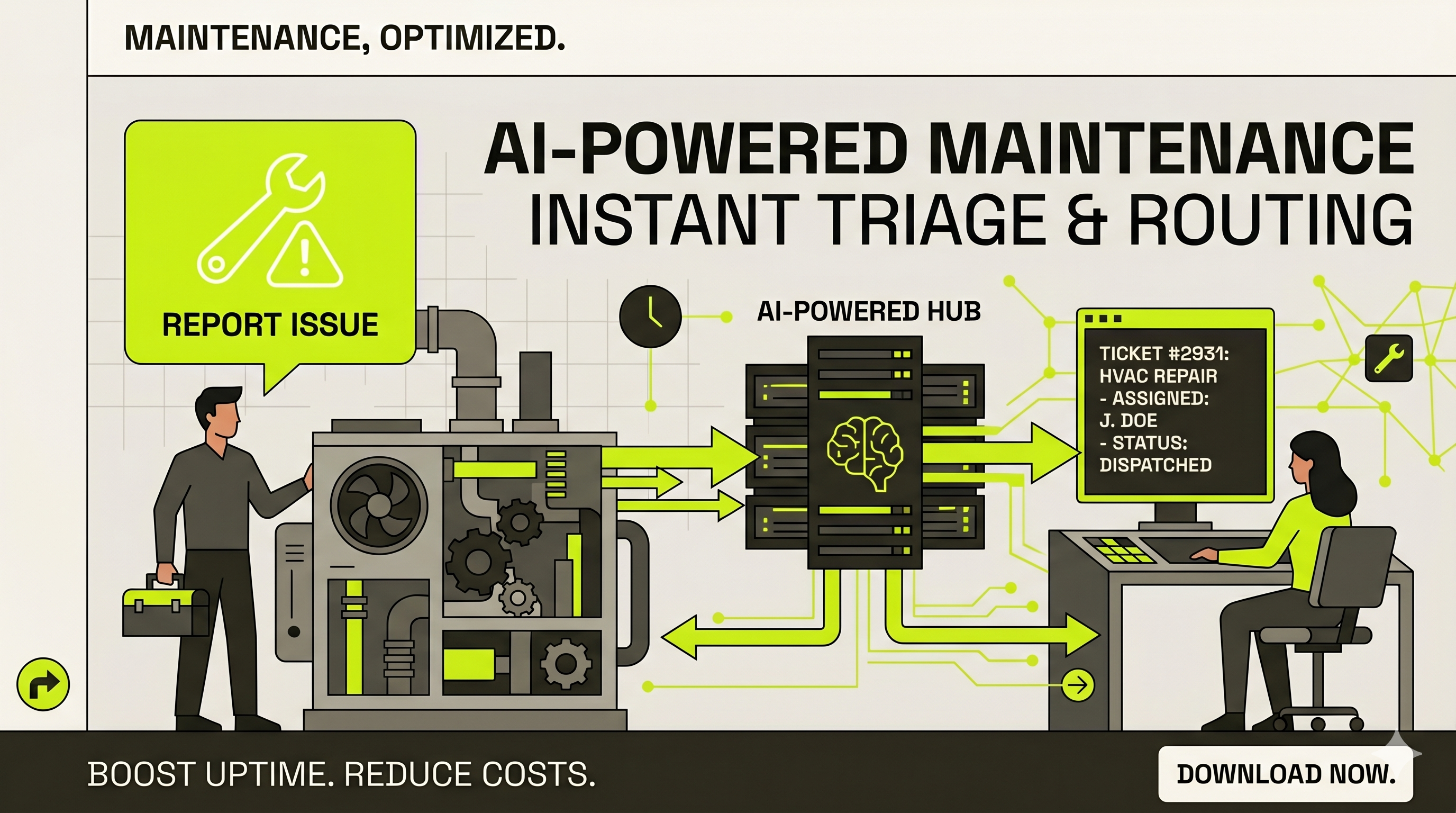
AI Maintenance Request App is an AI-powered facilities maintenance evaluator and work order triage application that classifies building fault reports, determines repair urgency levels, routes required technician skills, and maintains master asset registries on Joget DX 8 and Joget DX 9. Facilities managers, building operations teams, and corporate real estate departments in commercial, industrial, and mixed-use properties struggle to triage incoming maintenance tickets when relying on unmonitored email reports, paper work orders, or manual helpdesk routing. Manual maintenance triage leads to misclassified critical faults, delayed emergency responses, unassigned skilled trade technicians, and missing physical asset histories across multi-building facilities. Operations leaders lack real-time visibility into open request queues, high-urgency breakdown alerts, auto-classification accuracy metrics, and physical asset criticality levels. Key Features Captures maintenance requests with asset selections, building locations, floor zones, problem description symptoms, start timestamps, contact details, optional damage photos, and department allocations. Analyzes submitted problem descriptions, asset types, and asset criticality levels using an embedded AI agent to automate work order triage. Categorizes request urgency across Critical, High, Normal, or Pending levels to prioritize emergency building repairs. Identifies request categories across Breakdown, Preventive, Safety Hazard, Environmental, or Cosmetic classifications. Determines required maintenance trades comprising Mechanical, Electrical, Plumbing, Civil, Fire & Safety, IT Infrastructure, or General skill sets. Generates formatted HTML classification cards displaying AI evaluation results, confidence statuses, and narrative reasoning breakdowns directly on request records. Maintains master asset registries capturing asset IDs, asset names, model numbers, manufacturers, asset types, physical locations, department owners, active statuses, and criticality rankings. Displays operational dashboards featuring KPI counters for total open requests, critical emergency items, AI-classified totals, and filtered maintenance queues. Exports master asset directories, maintenance queues, and historical AI classification logs into CSV, Excel, XML, and PDF formats. Frequently Asked Questions How does AI Maintenance Request App classify incoming facility fault requests? AI Maintenance Request App uses an integrated AI agent that reads submitted problem descriptions, asset types, and asset criticality data to evaluate urgency, request type, and required trade skills within seconds. What trade skills does AI Maintenance Request App route work orders to? AI Maintenance Request App routes work orders across seven technical disciplines comprising Mechanical, Electrical, Plumbing, Civil, Fire & Safety, IT Infrastructure, and General maintenance. Which Joget platform versions support AI Maintenance Request App? AI Maintenance Request App runs on Joget DX 8 and Joget DX 9, On-Premise and Cloud environments across Enterprise editions. Important Note: Please refer to the welcome page in the app to learn how to use the app. The app requires an LLM Key. For example, you can obtain one from OpenAI.
AI Return Desk App
App · AI Agents
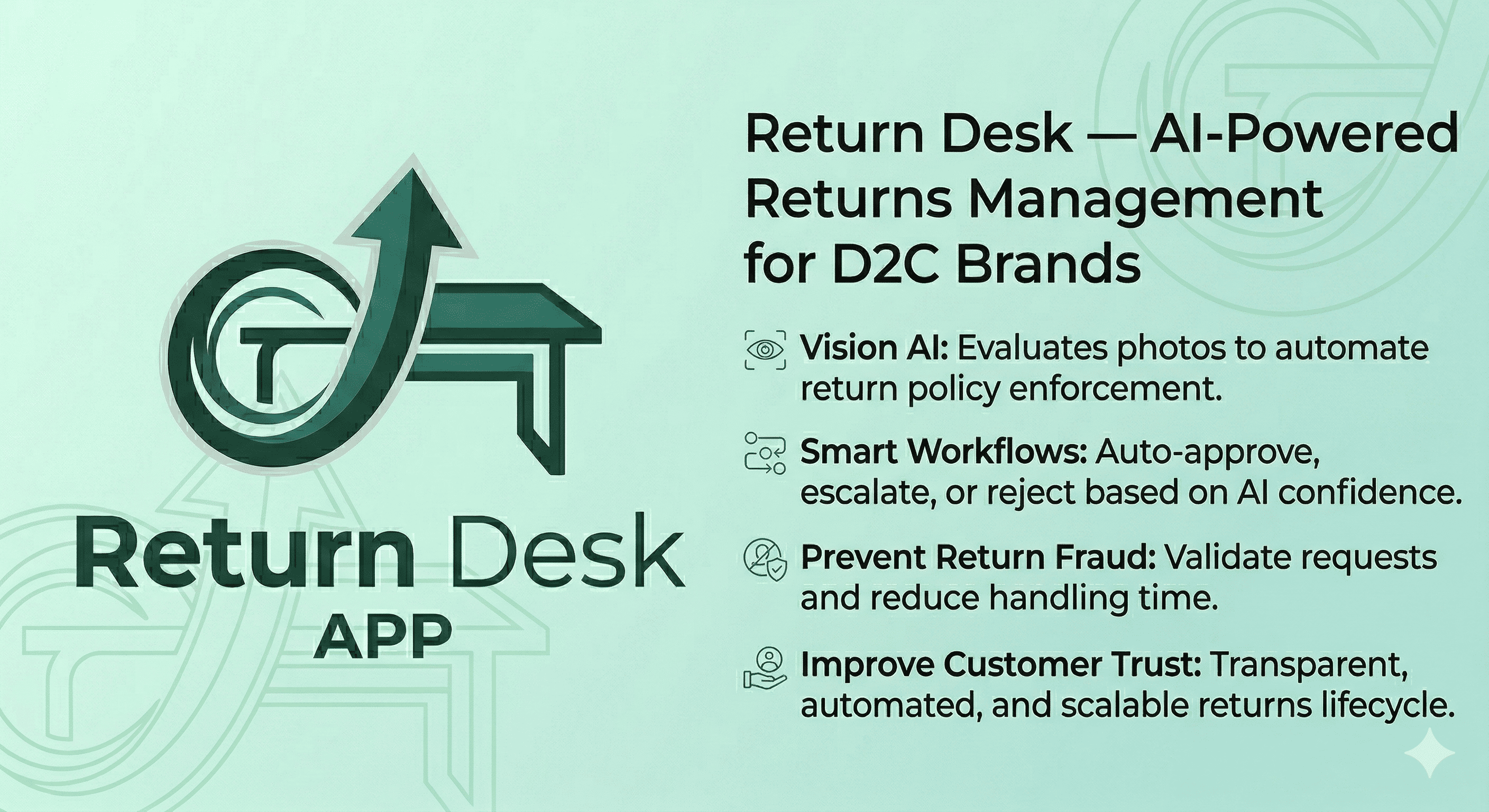
AI Return Desk App is an AI-driven return management and automated workflow application that evaluates product damage photos, enforces category-specific return policies, and routes customer claims on Joget DX8 and Joget DX9. Direct-to-consumer (D2C) accessory brands, e-commerce managers, and customer support leads struggle to process product returns efficiently when evaluating damaged items through manual email submissions and unorganized photo attachments. Manual return processing causes fraudulent refund approvals, delayed store manager reviews, inconsistent policy enforcement, and untracked customer dispute appeals. Customer service teams lack unified operational dashboards to analyze sentiment ratings, monitor auto-resolution percentages, and verify item conditions across active order categories. Key Features Evaluates customer-uploaded damage photos using Vision AI models to verify item conditions, detect defects, and match submitted evidence against stated return reasons. Calculates AI confidence scores across four evaluation criteria comprising Photo Verification, Damage Assessment, Return Policy Eligibility, and Evidence Quality. Routes return claims automatically to Auto-Approved, Sent for Human Review, or Denied decision states based on AI confidence scoring thresholds. Provides a customer dispute challenge workflow allowing buyers to contest rejected return decisions by submitting supplementary photo evidence and context. Enforces category-specific return policy rules automatically across watch bands, laptop sleeves, and accessory lines without manual rules setup. Captures customer sentiment feedback scores and tracks return reason distributions across defective, damaged on arrival, wrong item, not as described, changed mind, and wrong size categories. Displays an operations dashboard featuring real-time KPI metrics for total returns, auto-resolution percentages, average customer ratings, and pending store manager reviews. Captures order reference parameters including order numbers, delivery dates, customer names, delivery statuses, product categories, item prices in USD, and product names. Exports return ledgers, AI evaluation scores, and resolution status registers into CSV, Excel, XML, and PDF formats. Frequently Asked Questions How does AI Return Desk App evaluate customer product return photos? AI Return Desk App analyzes customer-submitted photos using Vision AI models, scoring submissions across Photo Verification (out of 30), Damage Assessment (out of 30), Return Policy Eligibility (out of 25), and Evidence Quality (out of 15) to calculate an overall confidence score. What happens when AI Return Desk App generates a borderline confidence score? AI Return Desk App flags borderline or ambiguous claims as Sent for Human Review, routing the return file directly to store manager inboxes for manual inspection and final determination within one business day. Which Joget platform versions support AI Return Desk App? AI Return Desk App runs on Joget DX8 and Joget DX9, On-Premise and Cloud environments across Enterprise editions. Important Note: Please refer to the info page in the app to prepare the app. The app requires an LLM Key. For example, you can obtain one from OpenAI.
AI Candidate Screener App
App · AI Agents
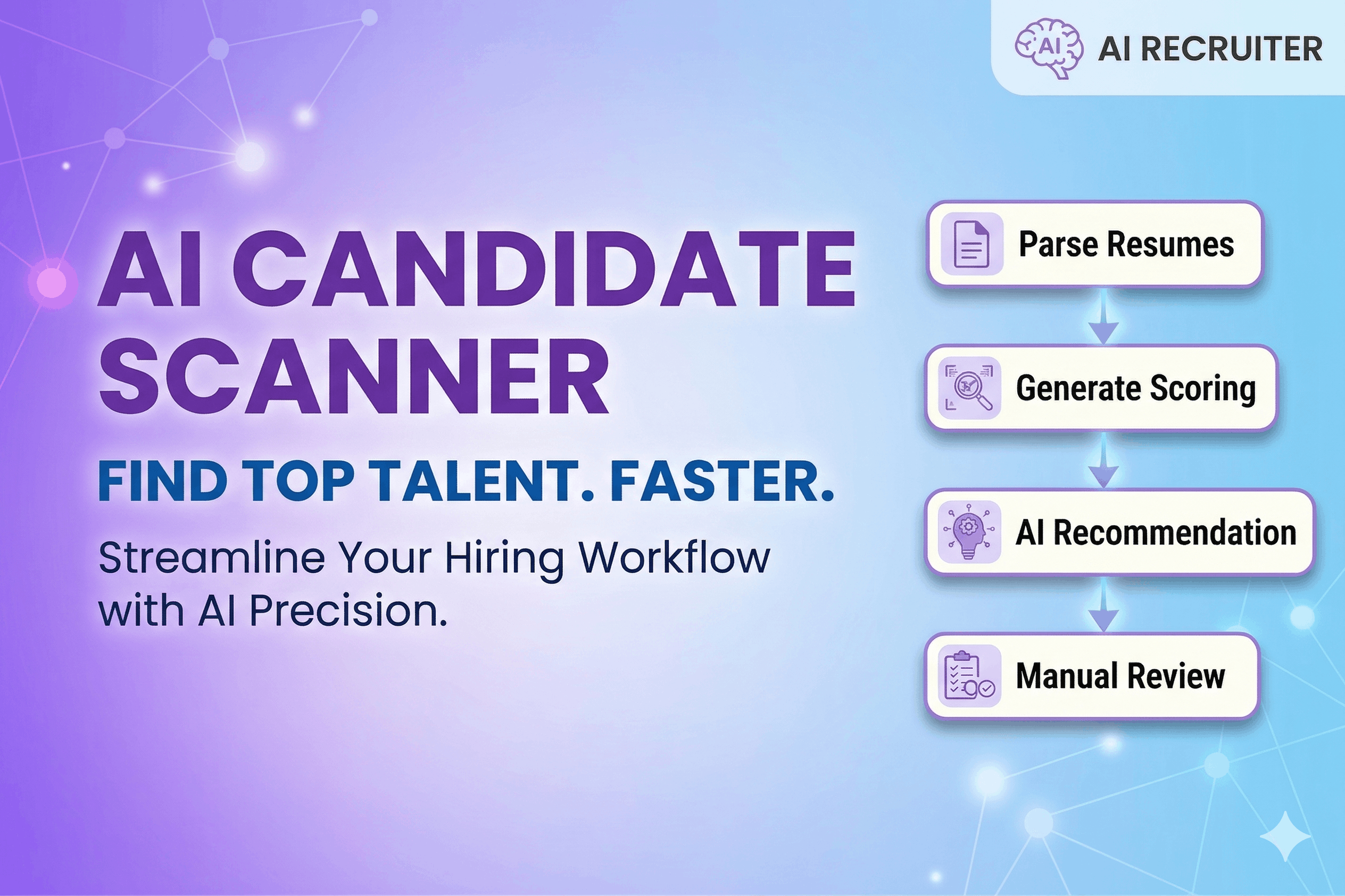
AI Candidate Screener App is a resume screening and candidate match evaluation application that analyzes candidate resumes, calculates skills match scores, identifies qualification gaps, and structures recruitment shortlist decisions on Joget DX 8 and Joget DX 9. Founders, hiring managers, and corporate recruiters struggle to evaluate applicant pools when relying on manual resume reading or bloated applicant tracking systems. Manual resume triage causes inconsistent candidate scoring, overlooked skills gaps, delayed shortlist decisions, and unorganized candidate review records across open vacancy positions. Recruitment leads lack single-desk operational dashboards to compare match scores side by side, monitor shortlist conversion rates, or inspect AI-generated candidate strength summaries. Key Features Captures candidate application records with full candidate names, sourcing channels, target role openings, and uploaded resume files in PDF format. Establishes role opening profiles with job titles, minimum required years of experience, active vacancy statuses, must-have skill requirements, and nice-to-have skill badges. Calculates automated candidate match scores from 0 to 100 based on resume analysis against defined job requirements. Identifies missing candidate requirements by generating itemized gap lists comparing applicant experience with mandatory skills such as Java 17+, Spring Boot, React 18+, TypeScript, or Docker and Kubernetes. Generates candidate strength summaries highlighting relevant technical proficiencies, microservices experience, cloud infrastructure skills, and CI/CD pipeline capabilities. Categorizes candidate recommendations across automated Shortlist, Maybe, and Reject decision statuses. Displays executive recruitment dashboards featuring KPI metrics for total reviews, AI reviewed counts, shortlisted candidate totals, shortlist percentage rates, and average match scores. Renders central review registries detailing candidate names, target roles, AI recommendations, match scores, resume links, and review workflow statuses. Exports candidate evaluation ledgers, shortlist registers, and match score summaries into CSV, Excel, XML, and PDF formats. Frequently Asked Questions How does AI Candidate Screener App evaluate candidate suitability? AI Candidate Screener App compares uploaded candidate resumes against the skills table defined in the selected Role Opening, calculating a numeric match score from 0 to 100 while generating bulleted missing requirements and strength summaries. What candidate recommendation statuses does AI Candidate Screener App generate? AI Candidate Screener App assigns automated recommendations comprising Shortlist, Maybe, and Reject, enabling hiring managers to record final recruitment decisions. Which Joget platform versions support AI Candidate Screener App? AI Candidate Screener App runs on Joget DX 8 and Joget DX 9, On-Premise and Cloud environments across Enterprise editions. Important Note: Please refer to the info page in the app to prepare the app. The app requires an LLM Key. For example, you can obtain one from OpenAI.
 App
 Free
 By Joget, Inc.
 25 downloads